%202.png)
Rolling Credits Generator: Create Scrolling Credits Easily
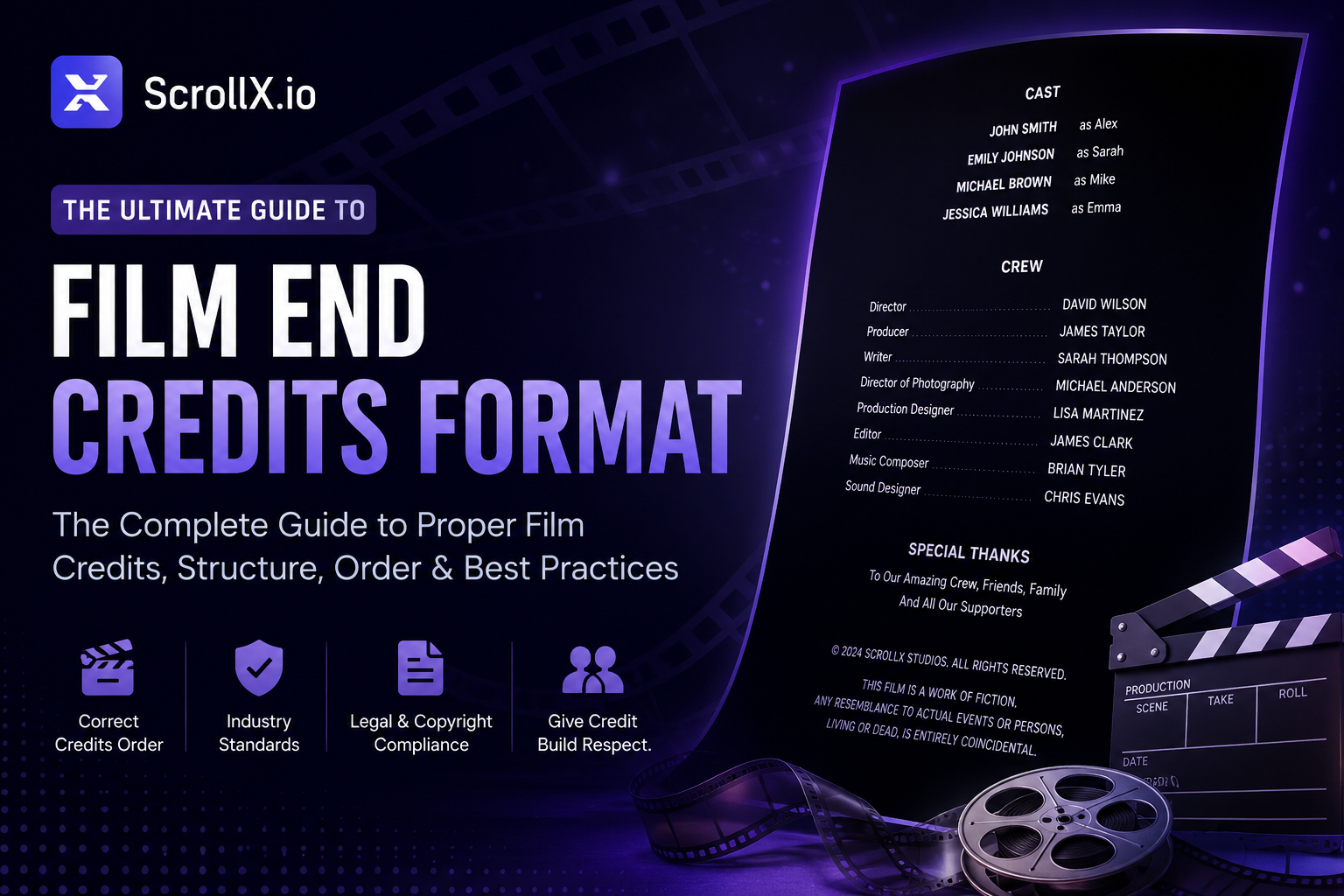
In filmmaking, video production, and digital content creation, end credits play an important role in giving recognition to everyone involved in the project. From directors and editors to designers and music composers, credits ensure that every contributor receives proper acknowledgment.
Traditionally, creating rolling credits required advanced video editing software and technical expertise. Today, a rolling credits generator makes the process simple, fast, and professional.
A rolling credits generator allows creators to automatically generate scrolling credits for films, YouTube videos, documentaries, and short films. These tools help creators design cinematic-style credit sequences without complex editing skills.
Whether you are a filmmaker, YouTuber, video editor, or content creator in the USA or anywhere globally, using the best rolling credits generator can save time and produce professional-quality credits.
This guide explains everything you need to know about rolling credits generators, including how they work, their benefits, best practices, and expert tips for creating professional-looking scrolling credits.
What is a Rolling Credits Generator
A rolling credits generator is a digital tool that automatically creates scrolling credits for videos, films, and media projects.
A rolling credits generator is software or an online tool that converts text-based credit lists into animated scrolling credits typically displayed at the end of a video.
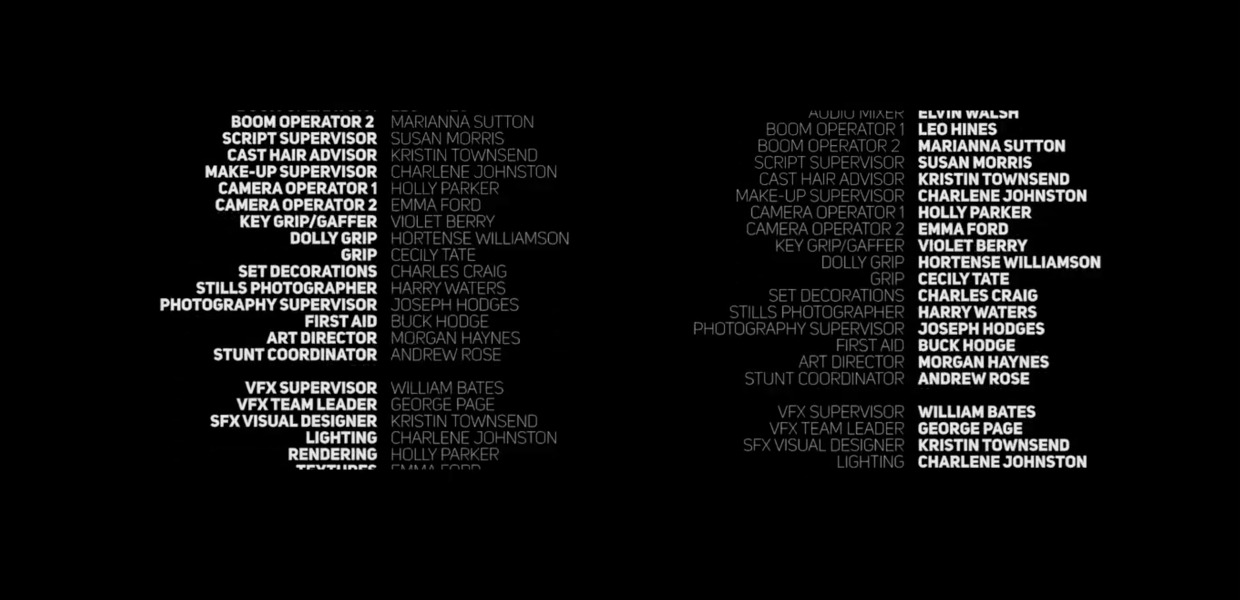
Instead of manually animating text in editing software, users can simply:
- Enter names and roles
- Choose a design template
- Generate scrolling credits automatically
The result is a professional rolling credit sequence ready to export and add to your video.
Where Rolling Credits Are Used
Rolling credits are commonly used in:
- Movies and short films
- YouTube videos
- Documentaries
- Corporate videos
- Student film projects
- Event productions
With the rise of online video platforms, many creators now rely on a rolling credits generator in USA and worldwide to streamline the credit creation process.
Why a Rolling Credits Generator is Important
Credits are not just a tradition in filmmaking—they serve several important purposes.
1. Recognition for Contributors
Credits acknowledge everyone who worked on the project.
Examples include:
- Director
- Producer
- Script writer
- Editors
- Cast members
- Music creators
2. Professional Presentation
Professional scrolling credits enhance the overall presentation of a video. They give your project a cinematic finish similar to professional films.
3. Legal and Ethical Attribution
Credits help ensure proper attribution for:
- Music licensing
- Creative assets
- Collaborators
- Production teams
4. Industry Standard
In the film and video production industry, including rolling credits is considered a professional standard.
Using the best rolling credits generator helps creators maintain this standard without needing advanced editing skills.
Benefits of Using a Rolling Credits Generator
Using a rolling credits generator provides several advantages for creators and production teams.
1. Saves Time
Creating animated credits manually can take hours.
A generator allows you to create them in minutes.
2. Easy to Use
Most generators are designed with simple interfaces that require no technical expertise.
Typical workflow:
- Add names
- Select template
- Export credits
3. Professional Templates
Many tools offer cinematic templates such as:
- Film-style credits
- Minimalist credits
- Modern typography credits
- Studio-style rolling credits
4. Consistent Formatting
A generator ensures:
- Equal spacing
- Proper alignment
- Smooth scrolling animation
This prevents formatting mistakes.
5. Ideal for Beginners
Even first-time creators can produce professional scrolling credits using an online tool.
How a Rolling Credits Generator Works
Understanding how a rolling credits generator works can help you use it more effectively.
Step 1: Enter Credit Information
Users input the details such as:
- Names
- Roles
- Departments
- Production company
Example:
Director – John Smith
Producer – Emma Brown
Editor – David Lee
Step 2: Select a Template
Most generators provide design options like:
- Cinematic film credits
- Minimal credits
- Studio-style credits
Templates control:
- Font style
- Layout
- Scroll speed
- Background color
Step 3: Customize the Design
Many generators allow customization options such as:
- Font size
- Text color
- Background
- Logo inclusion
This allows creators to match credits with the video style.
Step 4: Generate Scrolling Animation
The tool automatically converts the text into a scrolling credits animation.
This animation mimics traditional movie credits seen in theaters.
Step 5: Export the Credits
Finally, the credits can be exported as:
- Video file
- Transparent overlay
- Editable format
Creators can then add it to their video editing software.
Best Practices for Creating Rolling Credits
To create professional-looking credits, follow these best practices.
1. Organize Credits by Department
Group people based on their roles.
Example:
- Production
- Cast
- Music
- Post-production
This improves readability.
2. Keep Font Simple
Use professional fonts such as:
- Sans-serif fonts
- Film-style fonts
- Clean typography
Avoid overly decorative fonts.
3. Maintain Proper Spacing
Good spacing improves readability during scrolling.
Ensure:
- Equal line spacing
- Clear separation between sections
4. Match Video Style
Your credits should match the tone of the video.
Examples:
- Film → cinematic credits
- Corporate video → minimal credits
5. Test Scroll Speed
If credits scroll too fast, viewers cannot read them.
Always preview the animation before exporting.
Common Mistakes to Avoid
Even with a rolling credits generator, some mistakes can reduce quality.
1. Overcrowded Credits
Adding too much text can make credits difficult to read.
Keep it clean and structured.
2. Poor Formatting
Avoid inconsistent formatting like:
- Mixed font styles
- Uneven spacing
- Random alignment
3. Ignoring Hierarchy
Credits should follow a hierarchy.
Example:
- Main credits first
- Supporting credits next
- Special thanks at the end
4. Wrong Scroll Speed
- Too fast → unreadable
- Too slow → boring
Balance is important.
5. Missing Important Contributors
Double-check your list to ensure no contributor is forgotten.
Expert Tips for Professional Rolling Credits
Here are some expert tips used by filmmakers and video editors.
Tip 1: Add Music
Background music enhances the emotional impact of credits.
This is commonly used in films and documentaries.
Tip 2: Use Section Titles
Section titles improve readability.
Example:
- CAST
- PRODUCTION TEAM
- SPECIAL THANKS
Tip 3: Keep Credits Short
Viewers usually watch credits briefly.
Avoid unnecessary information.
Tip 4: Maintain Consistency
Ensure consistency in:
- Font size
- Alignment
- Spacing
This gives a polished look.
Tip 5: Use a Reliable Generator
Using the best rolling credits generator ensures smooth animations and professional formatting.
Online tools can significantly simplify the process.
Final Thoughts
A rolling credits generator is an essential tool for modern video creators. It simplifies the process of creating professional scrolling credits, saves time, and ensures proper recognition for everyone involved in a project.
Whether you are producing a short film, YouTube video, or corporate content, using the best rolling credits generator can elevate the quality of your production and deliver a cinematic finish.
As video content continues to grow globally—including the rolling credits generator market in the USA and worldwide—these tools are becoming increasingly important for creators who want professional results without complex editing.
.png)

.png)